Access Your Virtual Card
Start using your account immediately with your Virtual Card. This is a card that can be added to your phone for tap to pay, no activation required. Accessing your card will only take a few short steps.
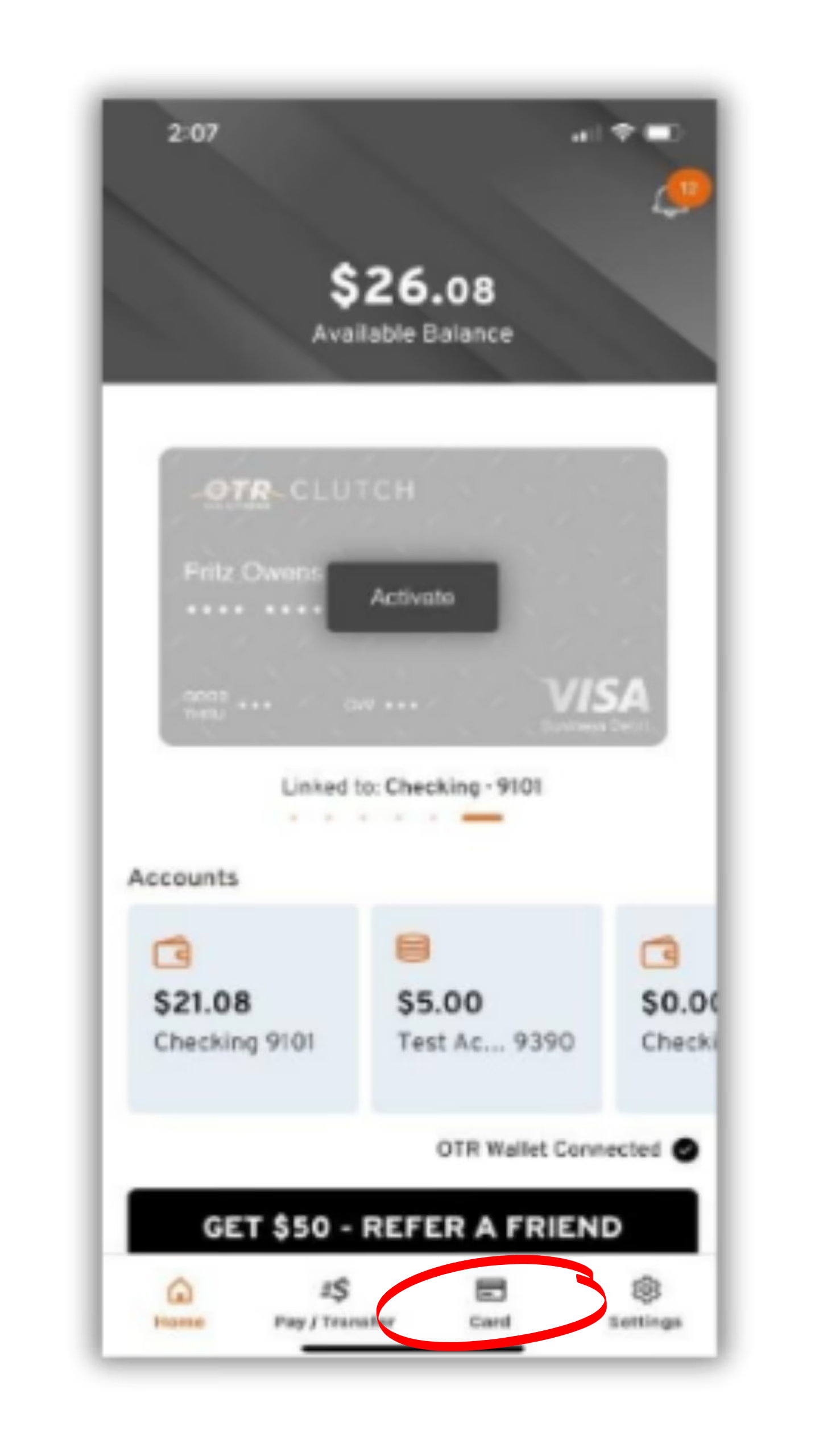
1. Login and Navigatate to ‘Card’
Click on the Card tab in the menu bar at the bottom of the screen
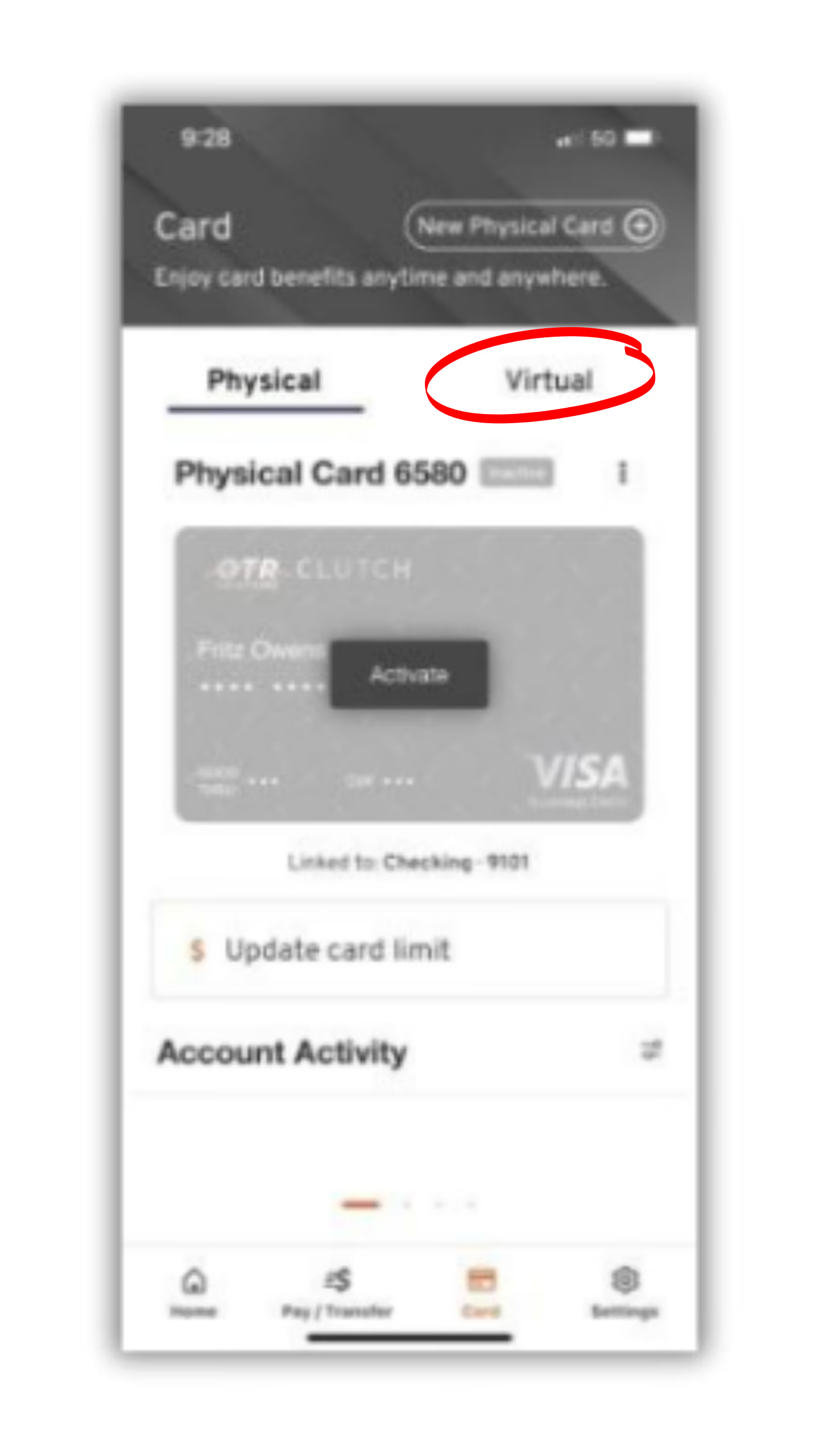
2. Select Virtual
You’ll see this next to ‘physical’, underneath the grey bar at the top of the screen
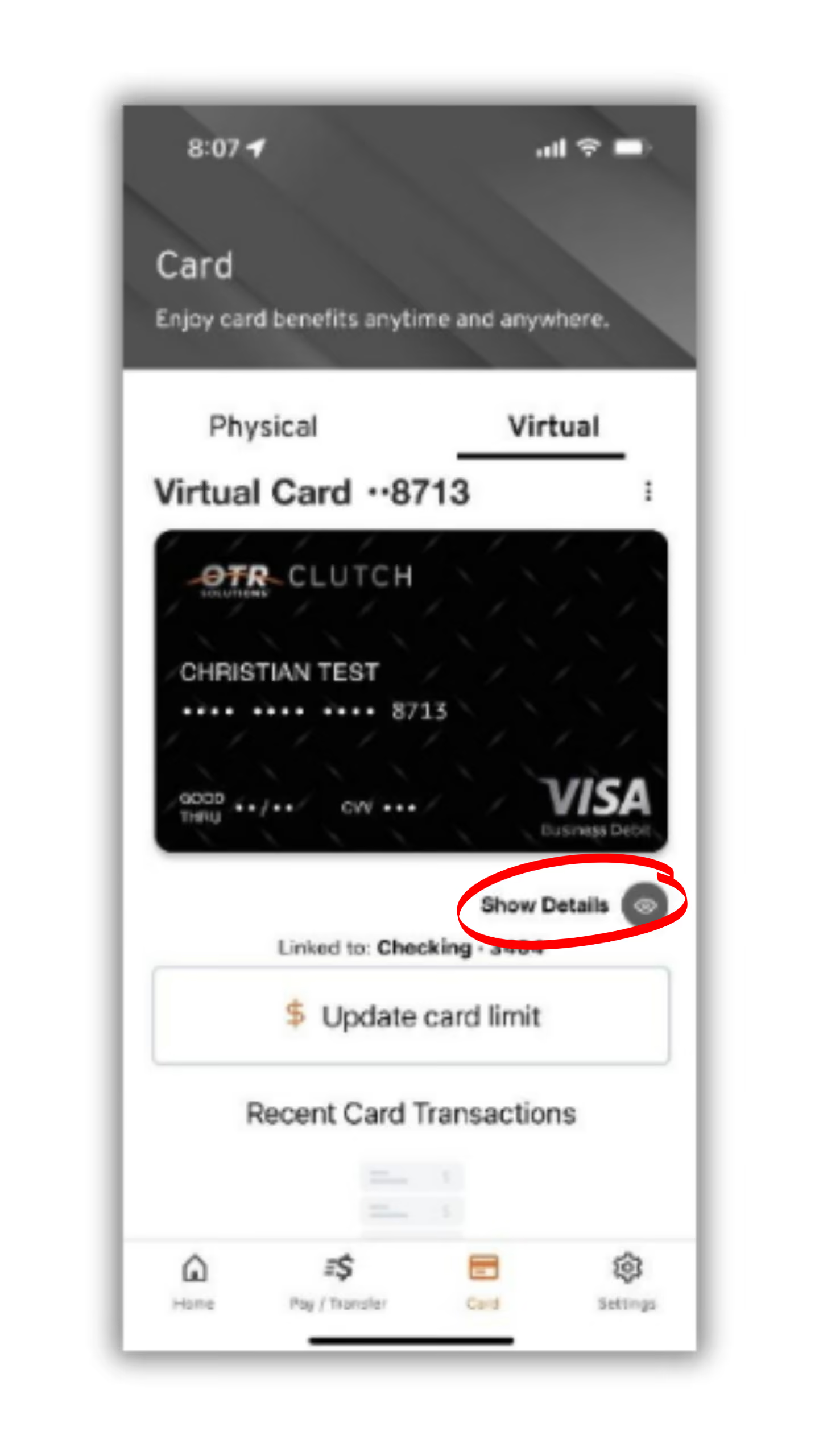
3. Click on ‘Show Details’
You’ll see this on the right side of the screen, underneath card image. This is where you will find your full digital card details.
4. Take a Second to Add This Card to Your Apple or Google Wallet
This allows for quicker, easier payments.
Thank you for choosing OTR Clutch.
Still need help? Email us at support@otrclutch.com.
