Astra Instant Payment
OTR Clutch uses Astra to enable Instant Transfer Payments
Connect Astra to OTR Clutch
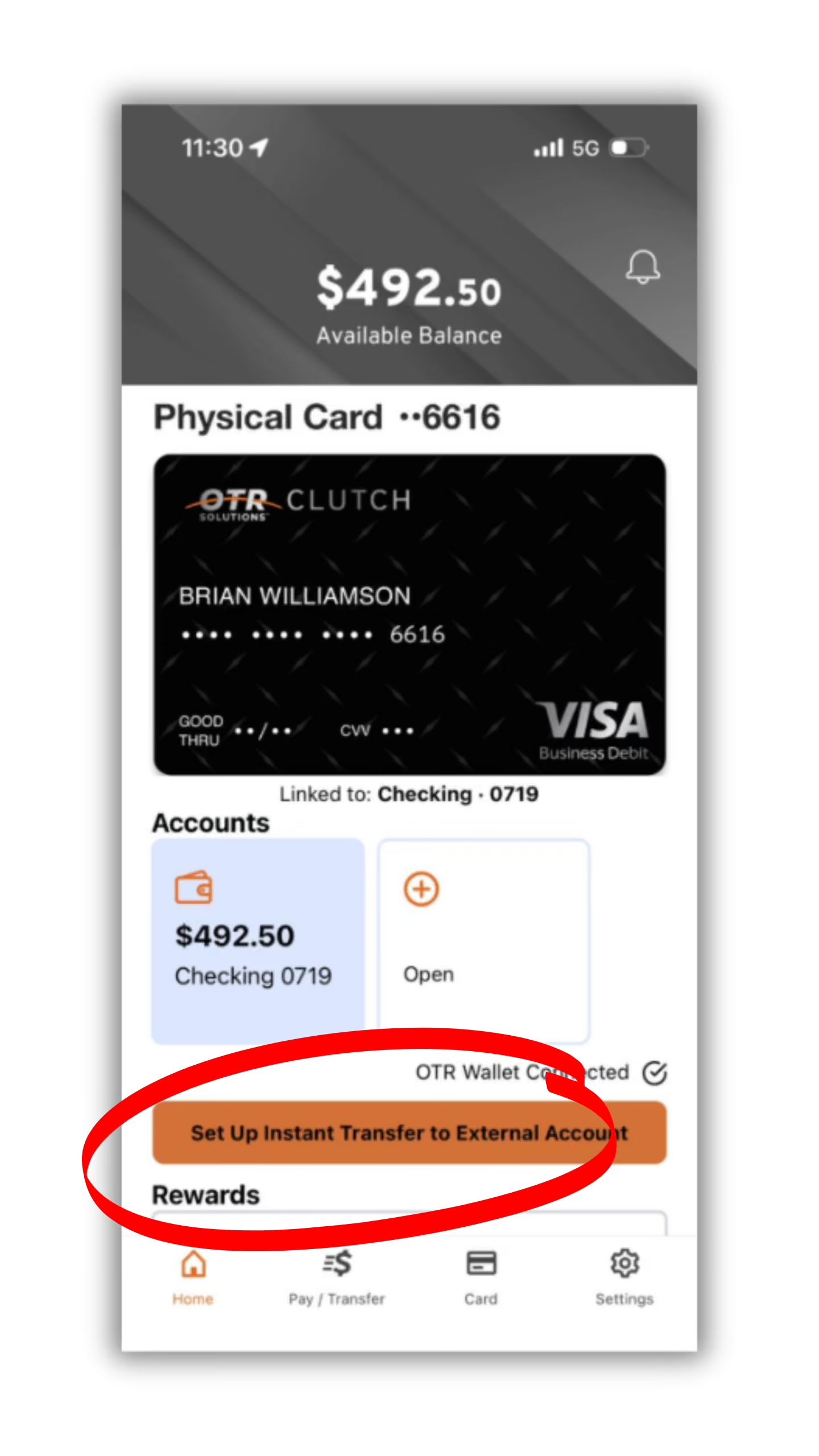
1. Login and Click ‘Set Up Instant Transfer’ Button
You will see this button on the homepage of the app.
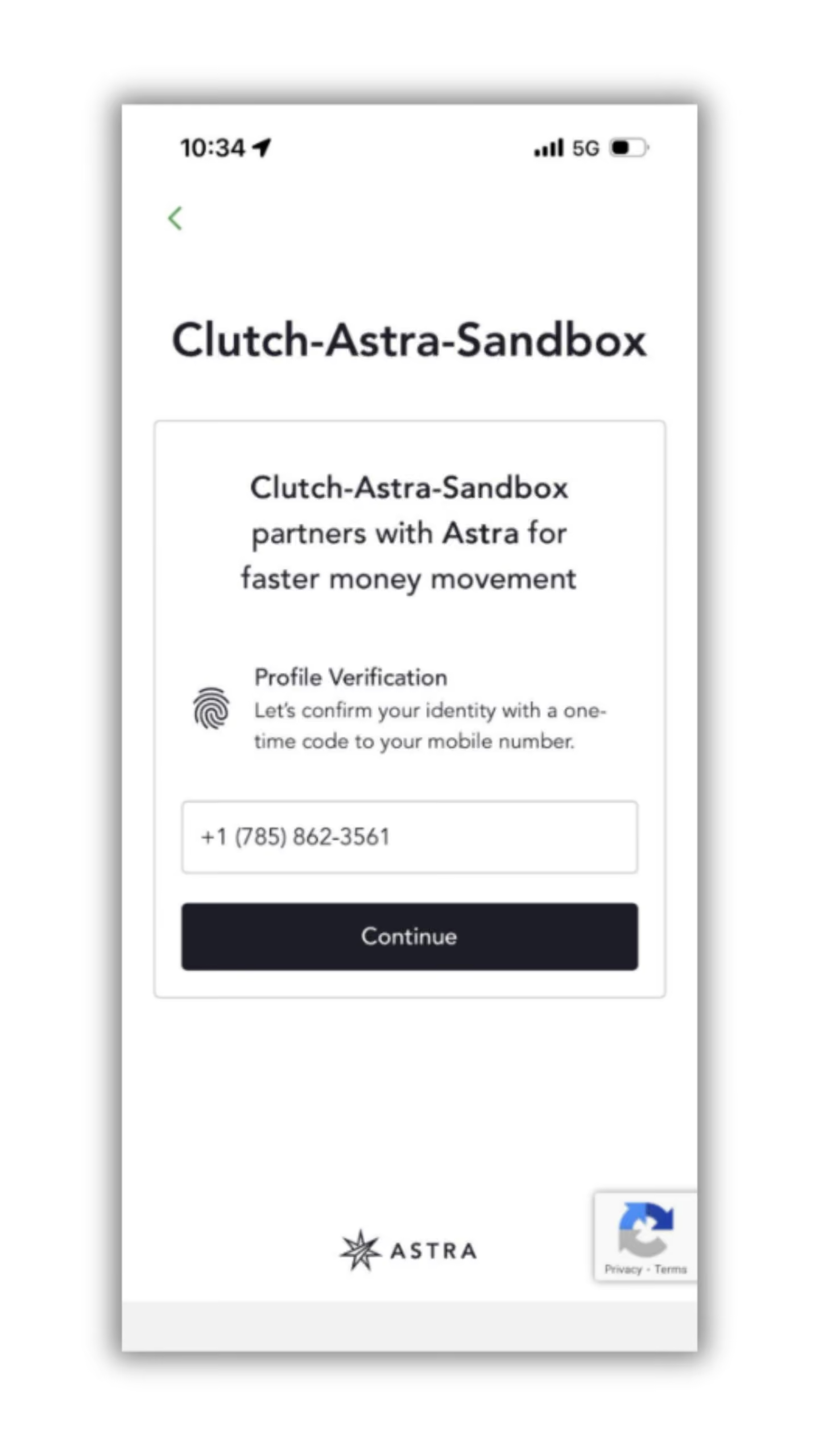
2. Confirm Number
Confirm your phone number is correct and click continue.
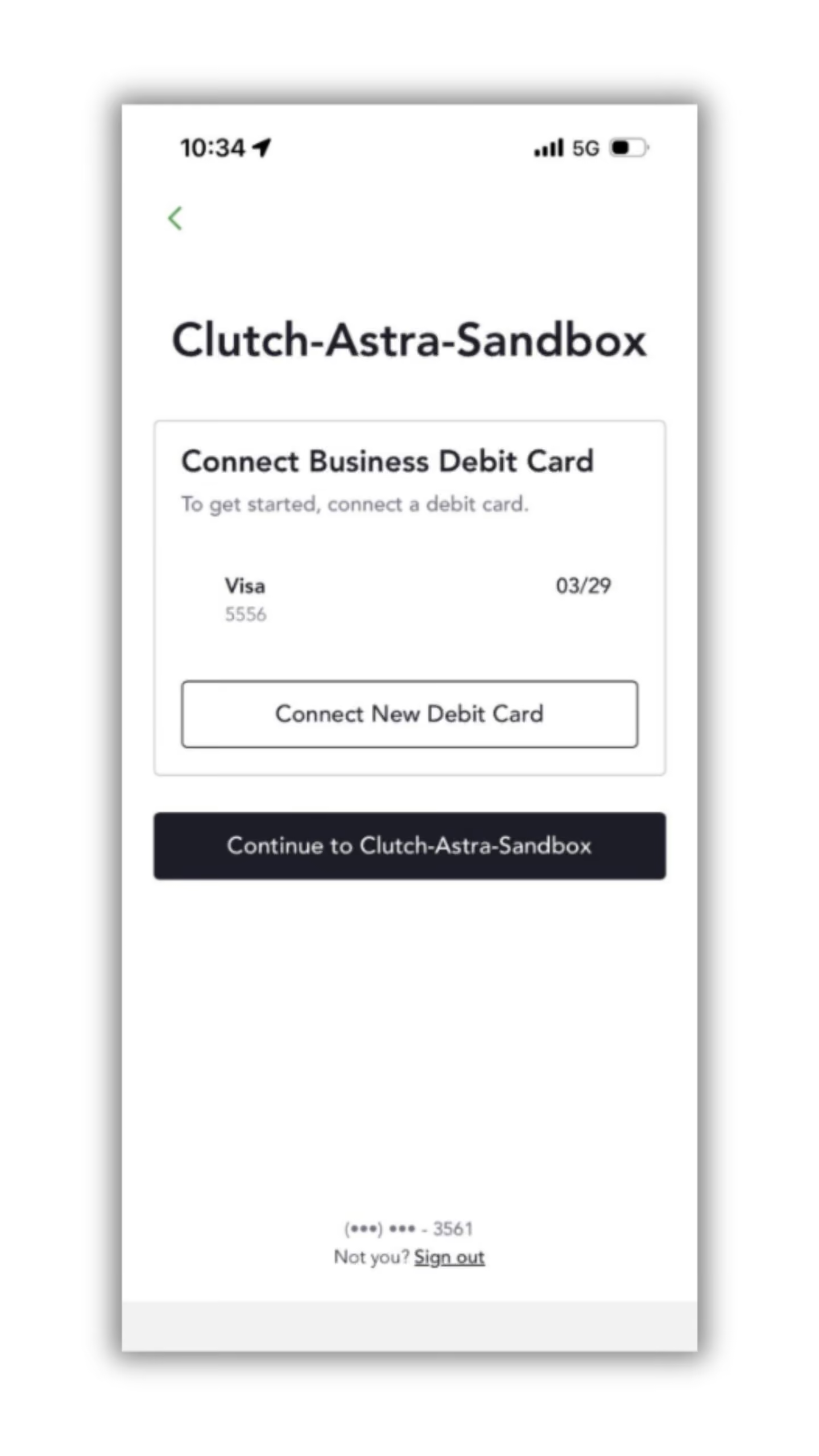
3. Verify or Add Card Information
Verify or add your card information, then click ‘Continue to Clutch-Astra-Sandbox’
3.1 If you already transferred to an account before, it will be listed
3.2 If you would like to transfer to another card, click “Connect New Debit Card’
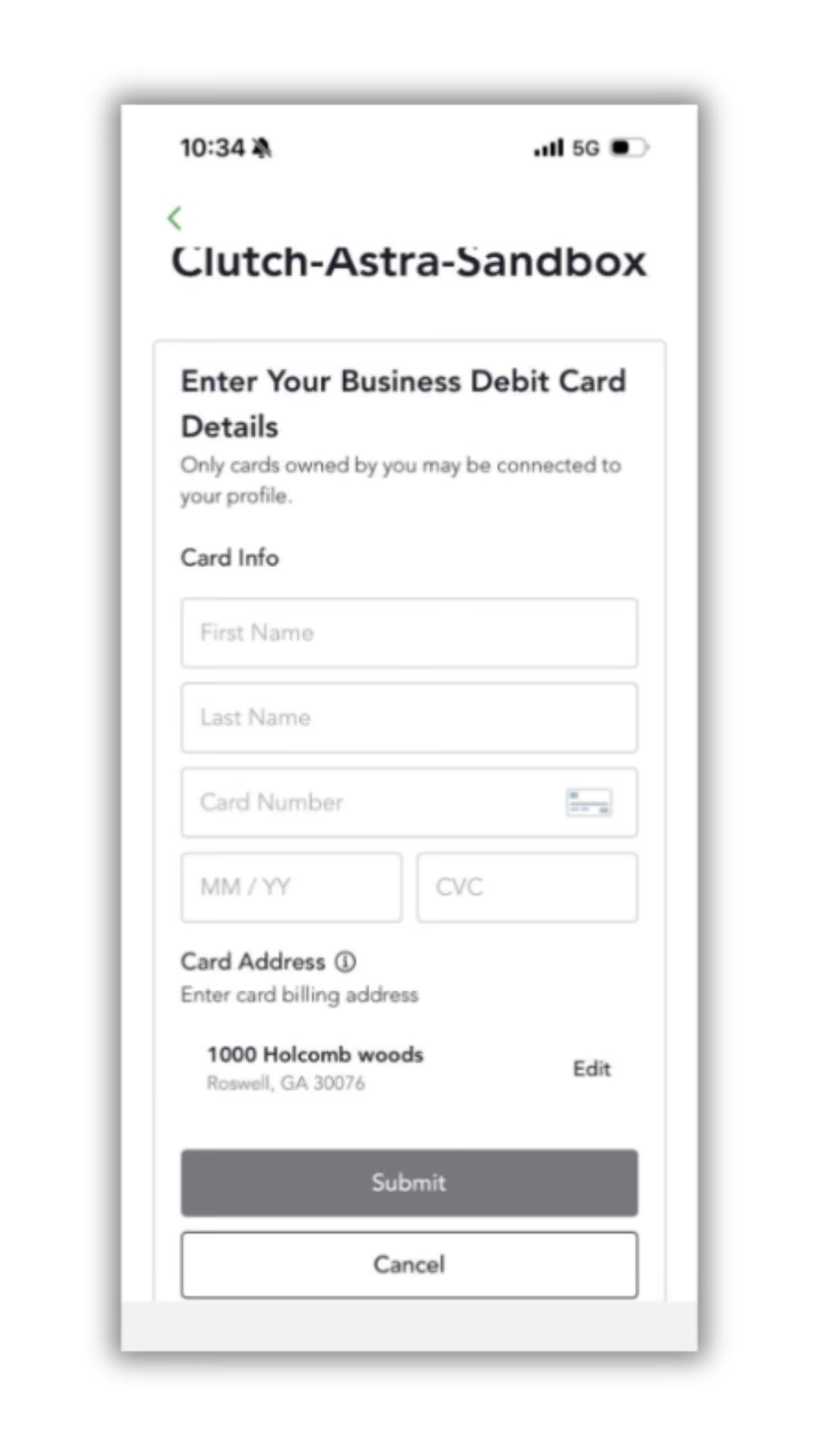
3.2.1 Fill out with debit card information you’d like to use and confirm your address is correct then click submit. Verify your card information again and click “Connect New Debit Card
4. Once you are done, you’ll be redirected to the home page.
Instant Transfer to Self
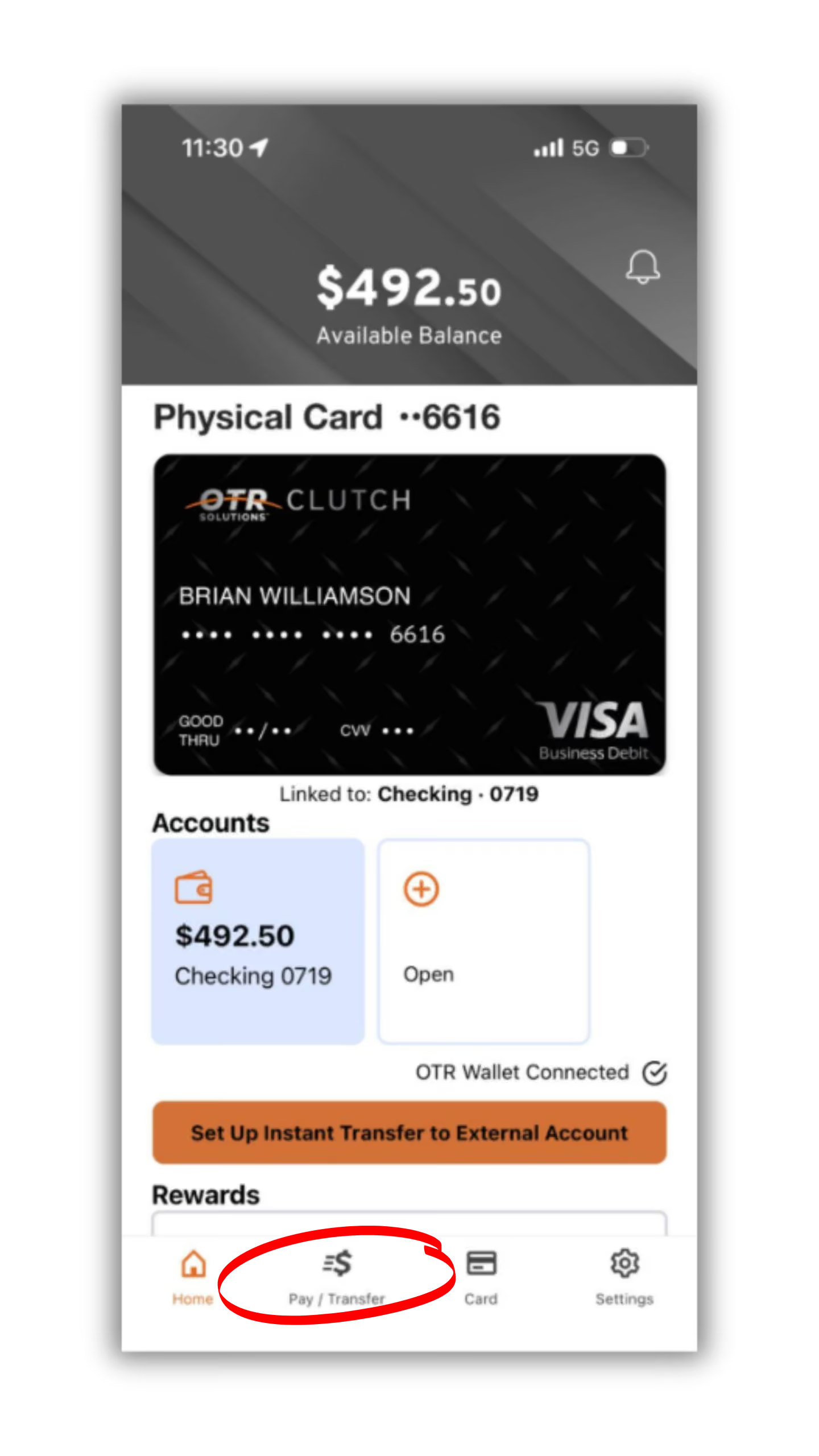
1. Select ‘Pay/Transfer’
You will see this button on the homepage of the app.
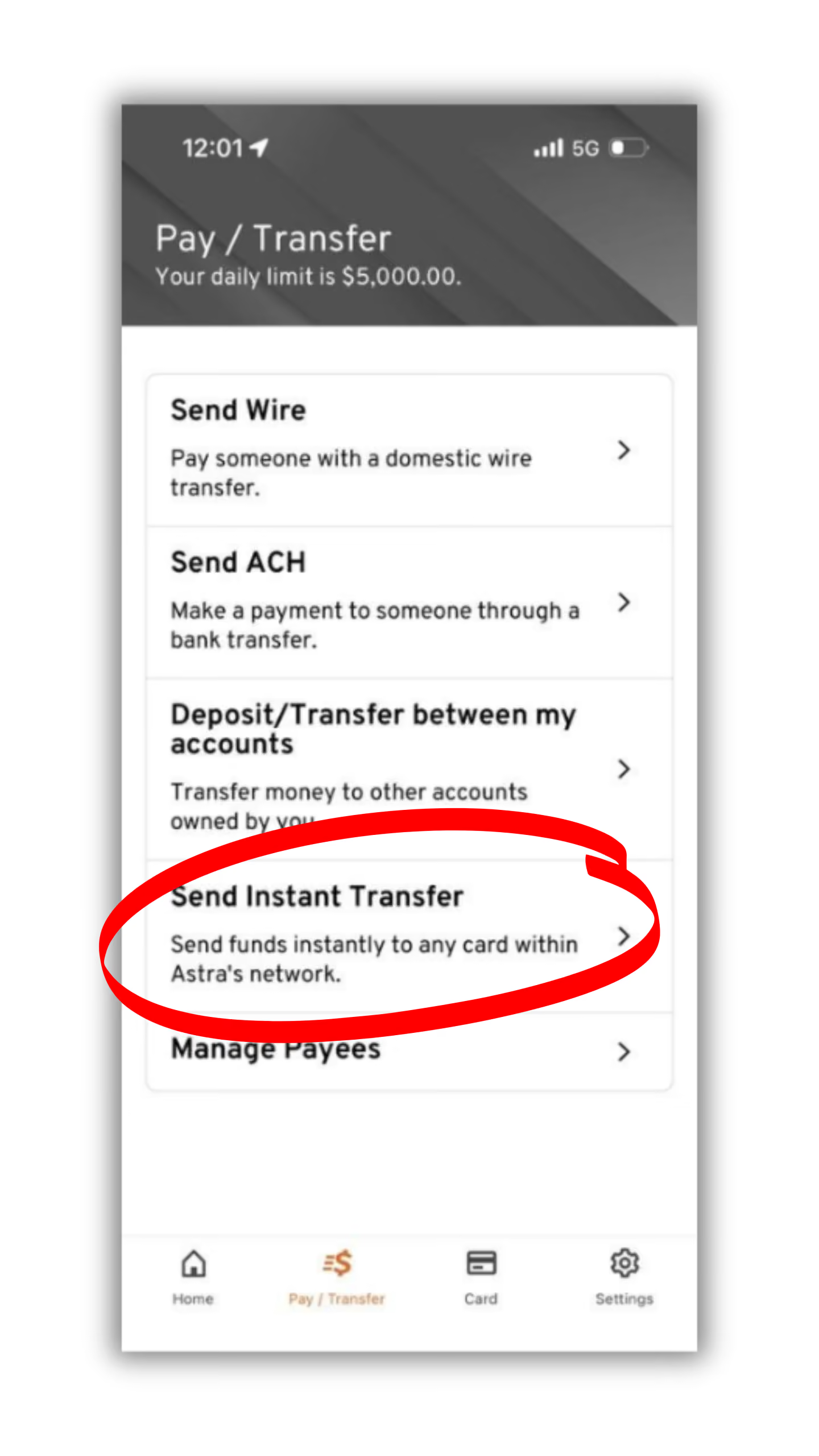
2. Select ‘Send Instant Transfer’
Confirm your phone number is correct and click continue.
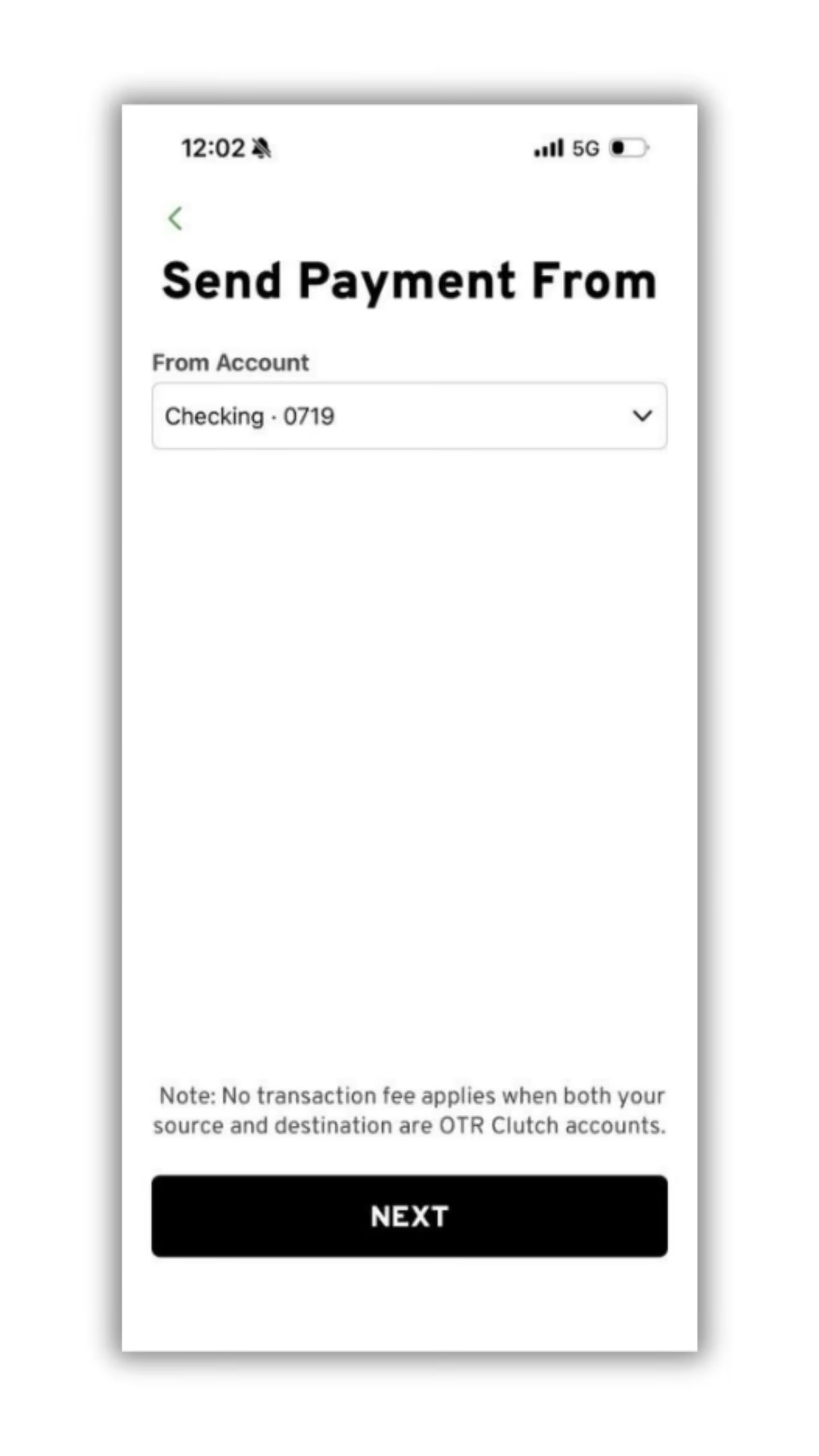
3. Select From Account
From the drop down, select the account you would like to send funds from then click ‘Next’
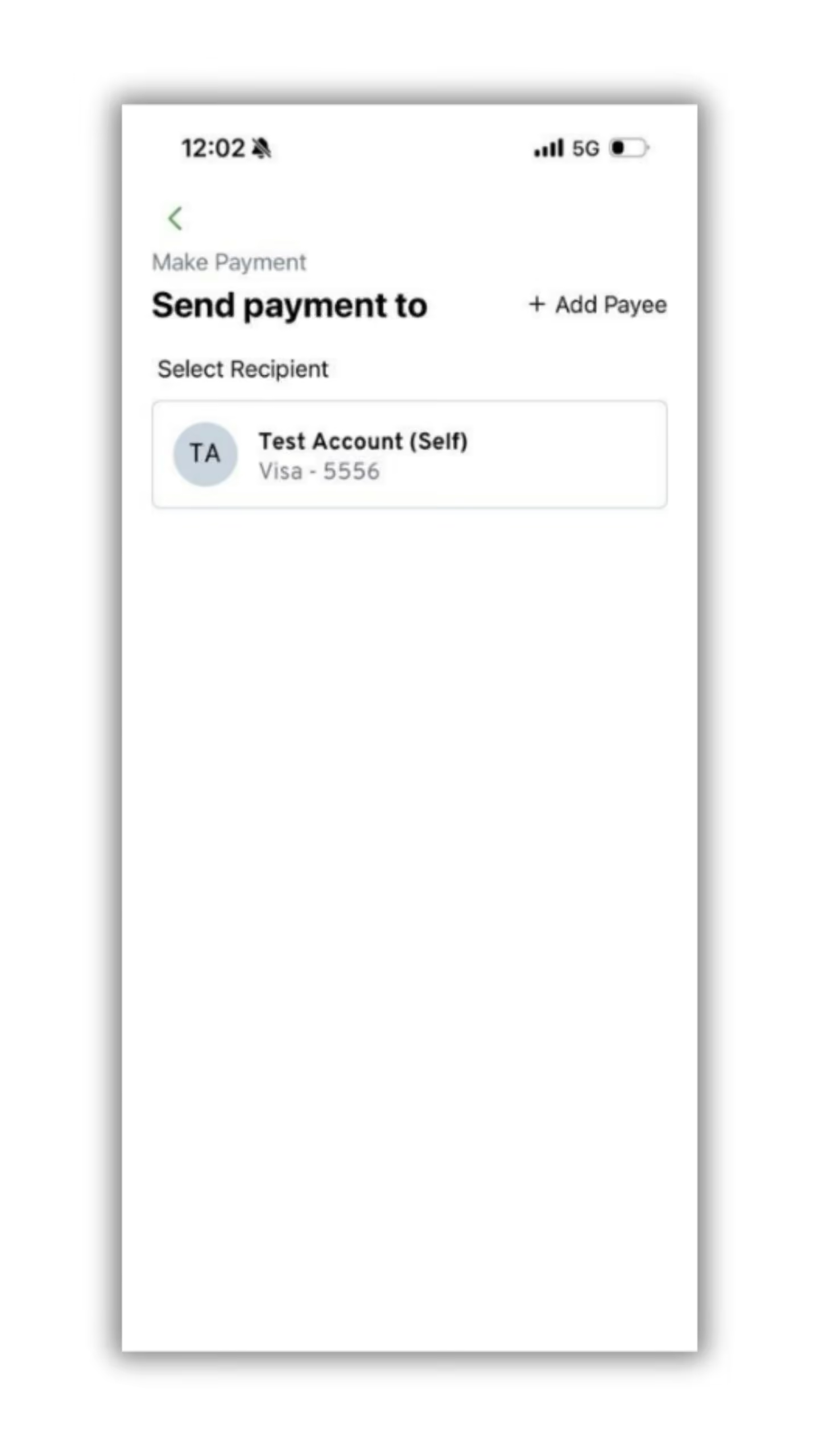
4. Select Card
Select recipient (self) or add new payee
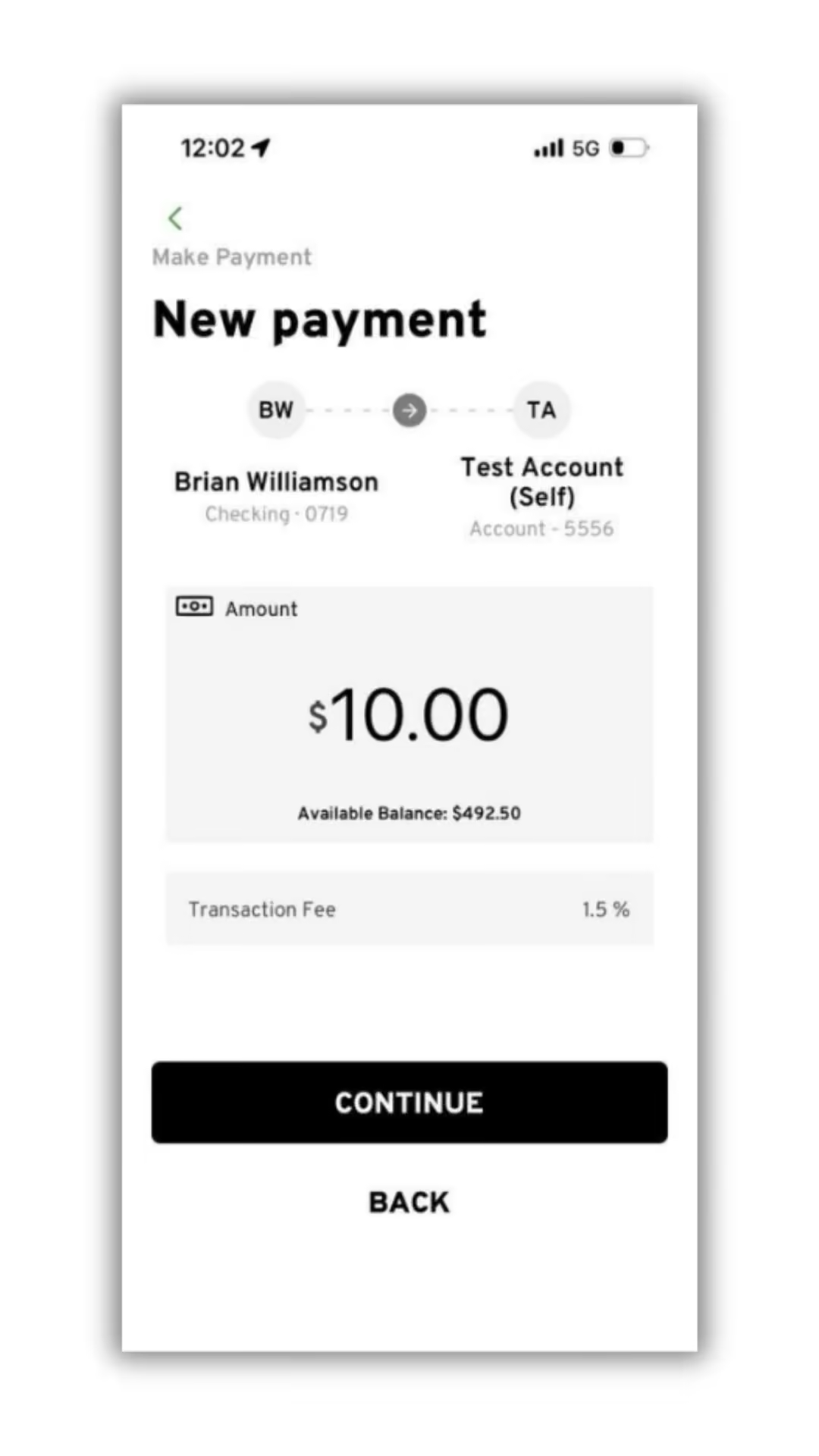
5. Enter Amount
Enter the amount you would like to transfer and click ‘Continue’
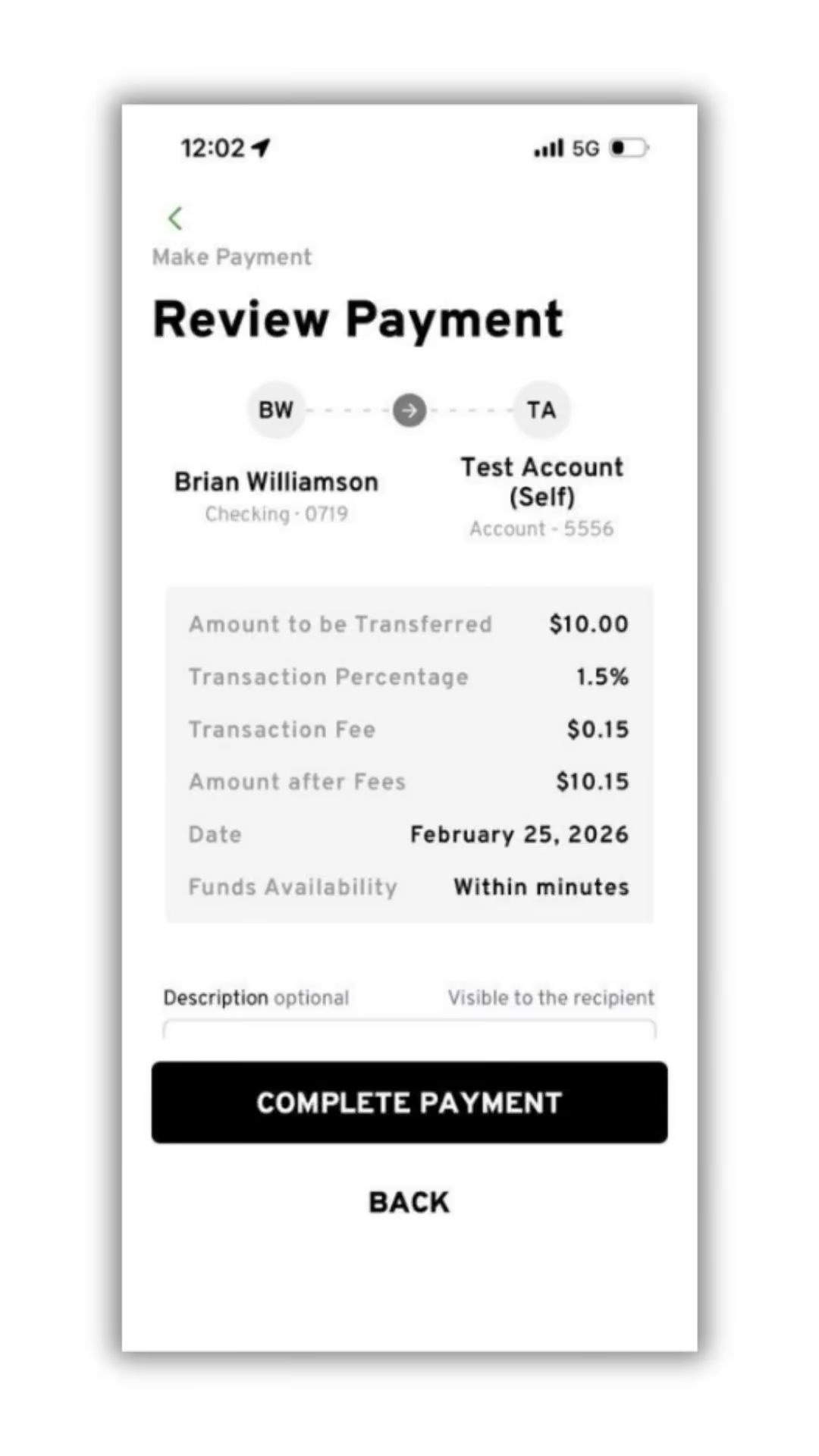
6. Verify Information
Verify all the information looks correct and add a description if you’d like, then click ‘Complete Payment’
Thank you for choosing OTR Clutch.
Still need help? Email us at support@otrclutch.com.
