ACH Transfers
You can transfer your funds to another bank through one of three methods: ACH, Wire, or Instant Transfer. ACH transfers have a 1–3-day transfer time with a $3 fee.
1. Login and Navigate to 'Pay/Transfer'
Click on the Pay/Transfer tab in the menu bar at the bottom of the screen.

2. Select 'Send ACH'
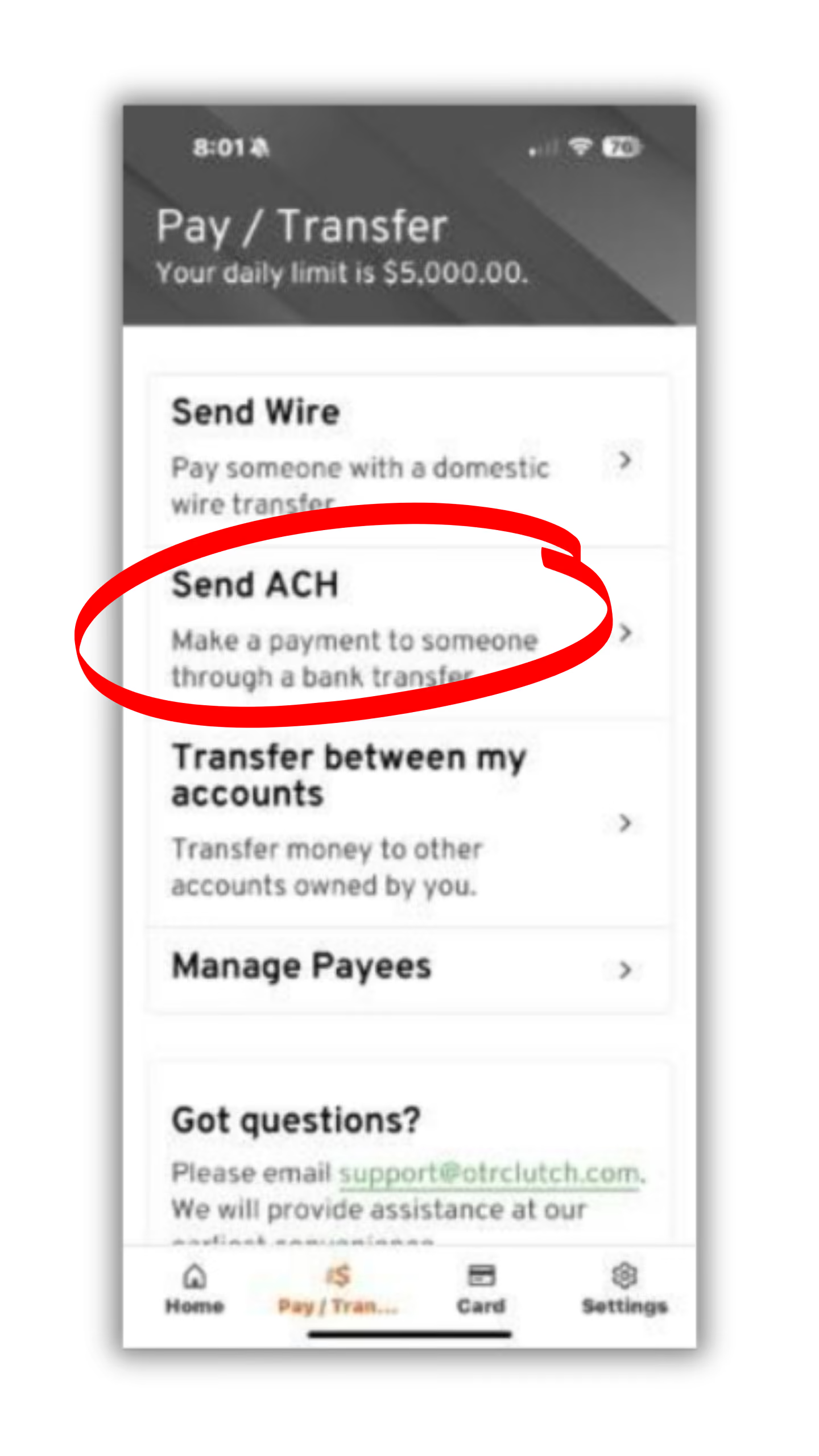
3. Select From Account
Select the account you would like funds to be sent from.

4. Select Your Account
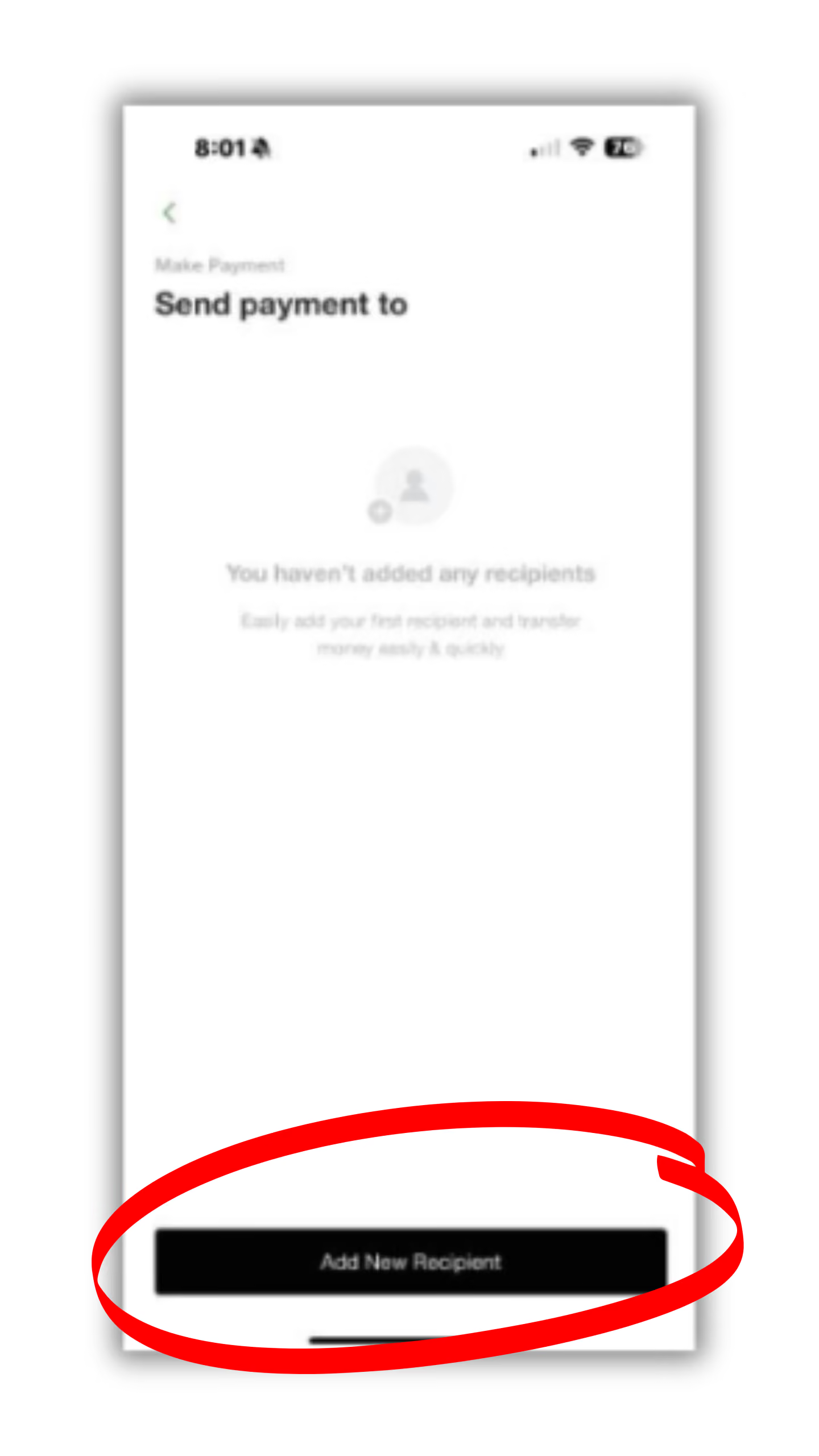
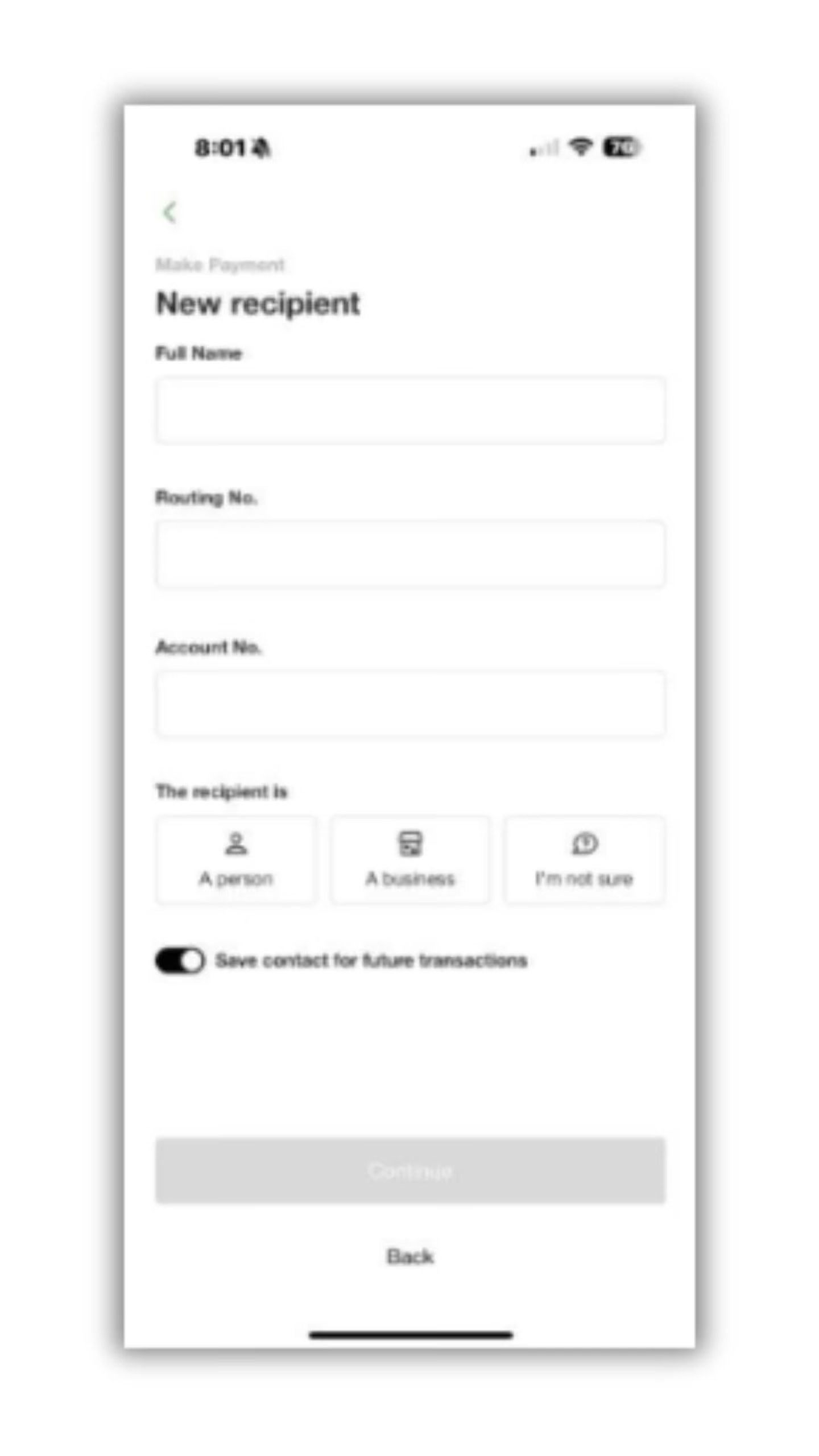
If you already transferred to an account before, it will be listed. To add a new account, click 'New Recipient'. Enter the recipient's account information and click continue.
5. Enter the Desired Transfer Amount
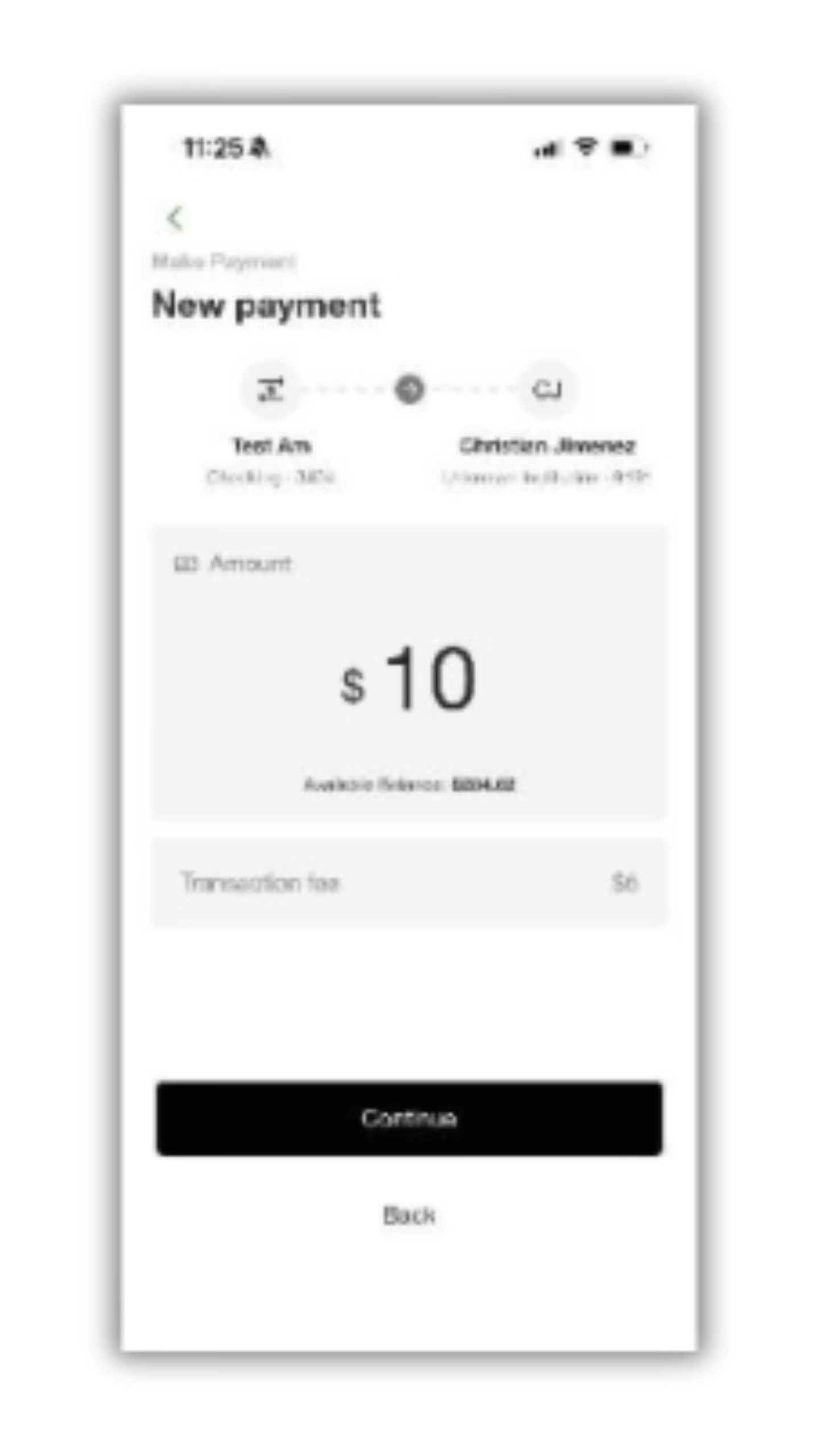
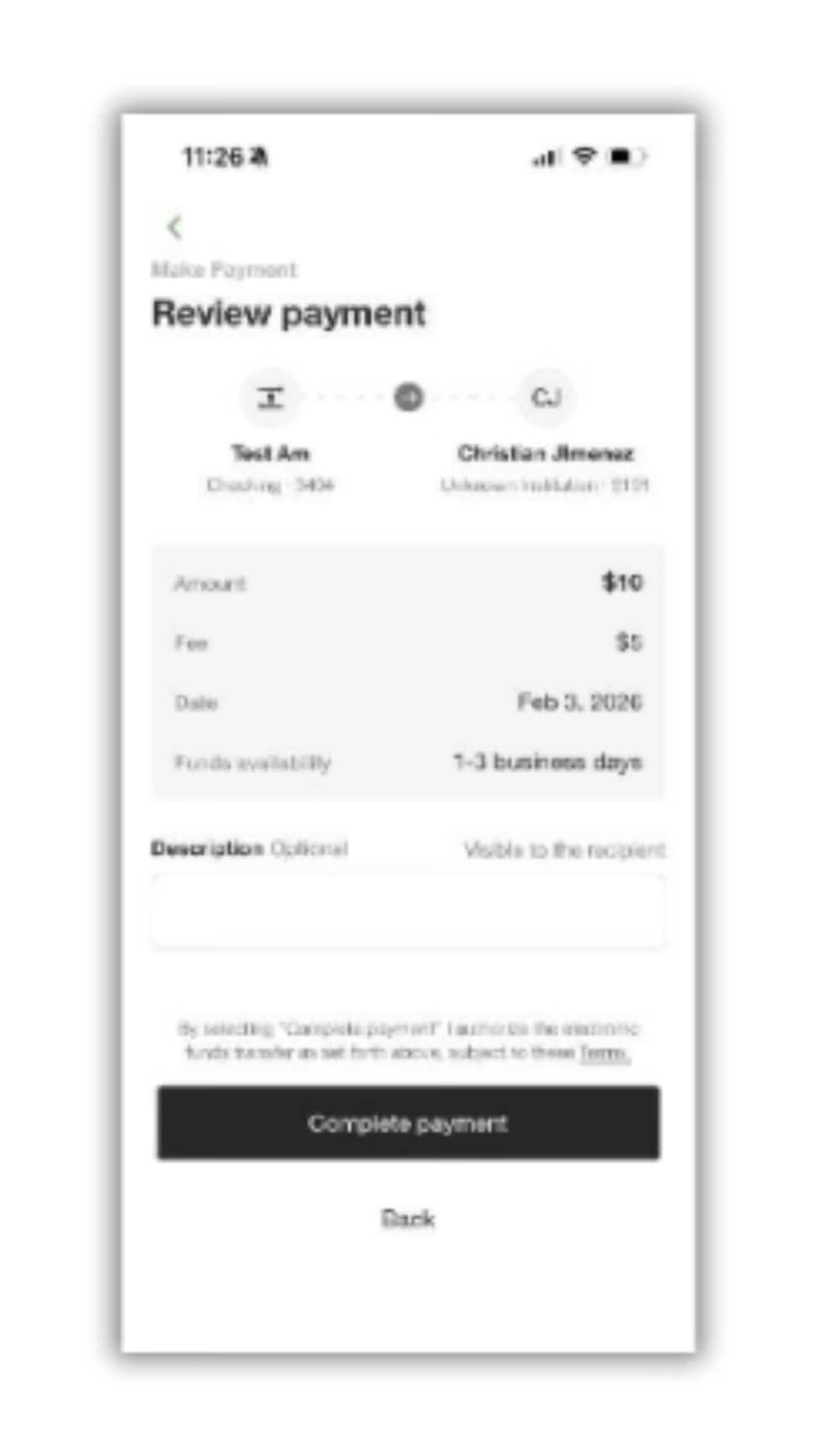
6. Confirm Details
Confirm your information, add a description (optional), and complete payment.
Thank you for choosing OTR Clutch.
Still need help? Email us at support@otrclutch.com.
