Access Your Account Information and Bank Statements
You can access all your account information directly from our app. Access your monthly bank statements, account and routing information, and bank verification letter, which is similar to a direct deposit form, by following the steps listed below.
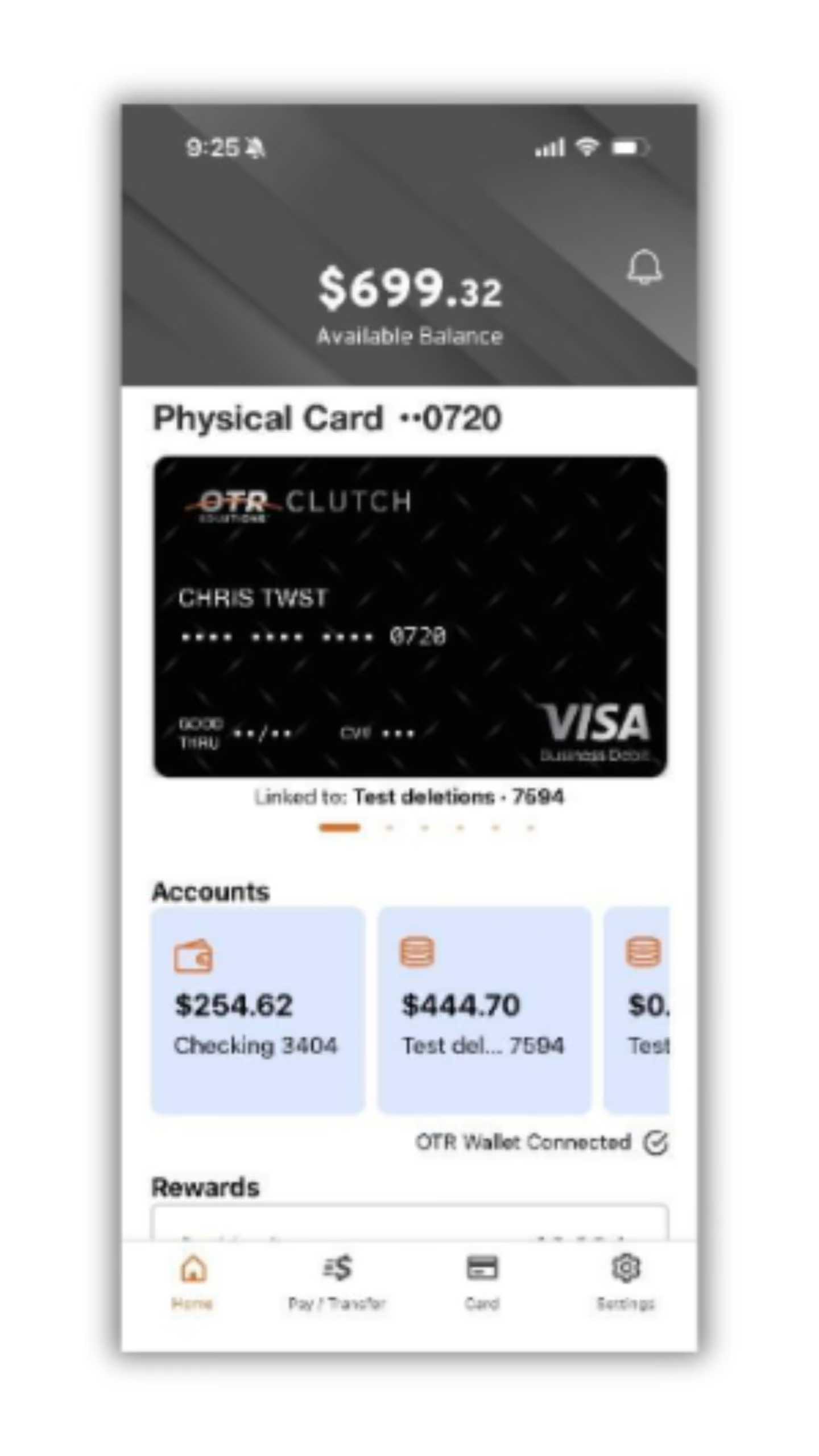
1. Select the Account You’d Like to Access
Click on a box under ‘Accounts’ on the home screen
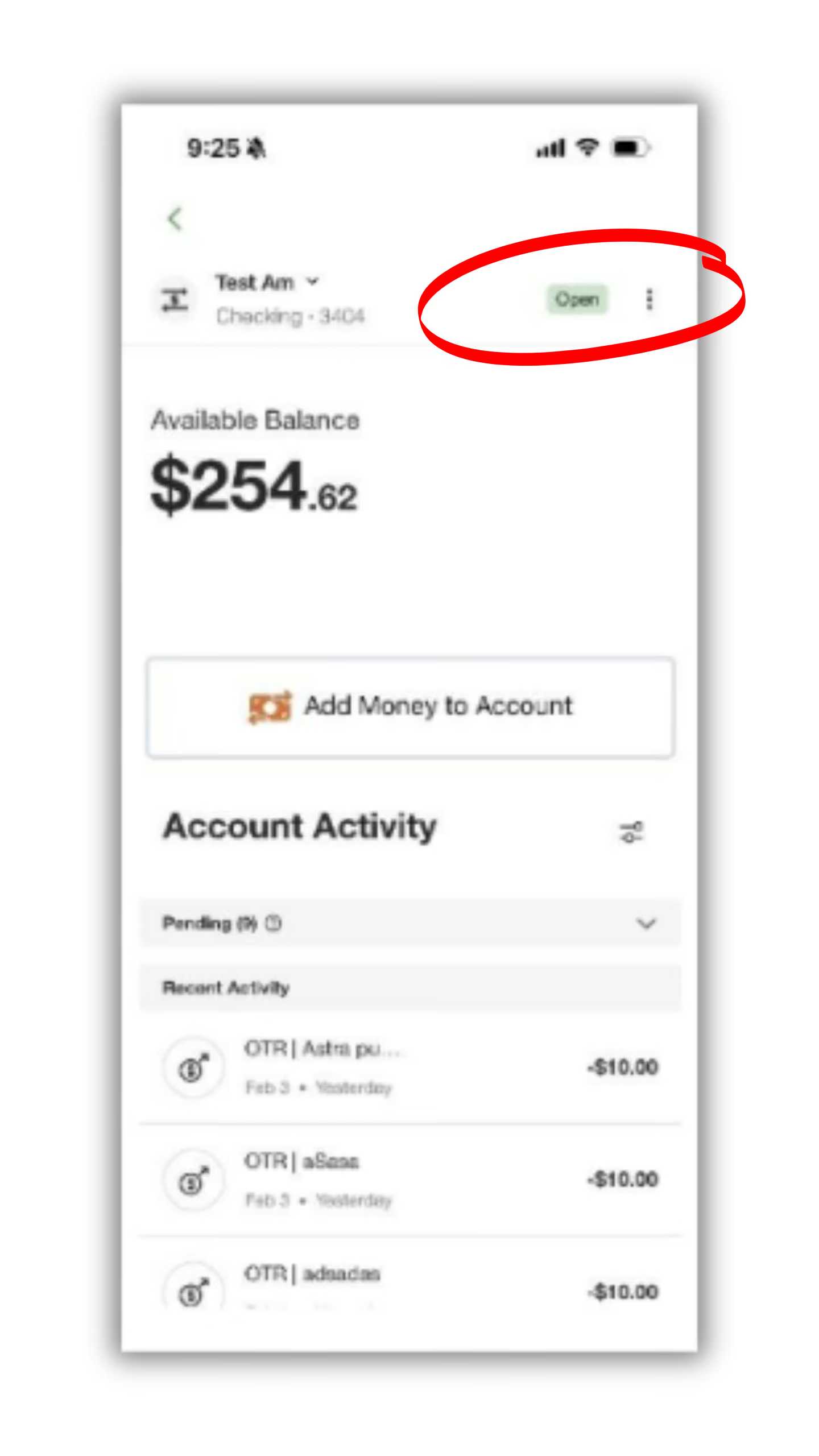
2. Open Account Action Screen
Click on the ellipsis (three dots) in the upper right corner
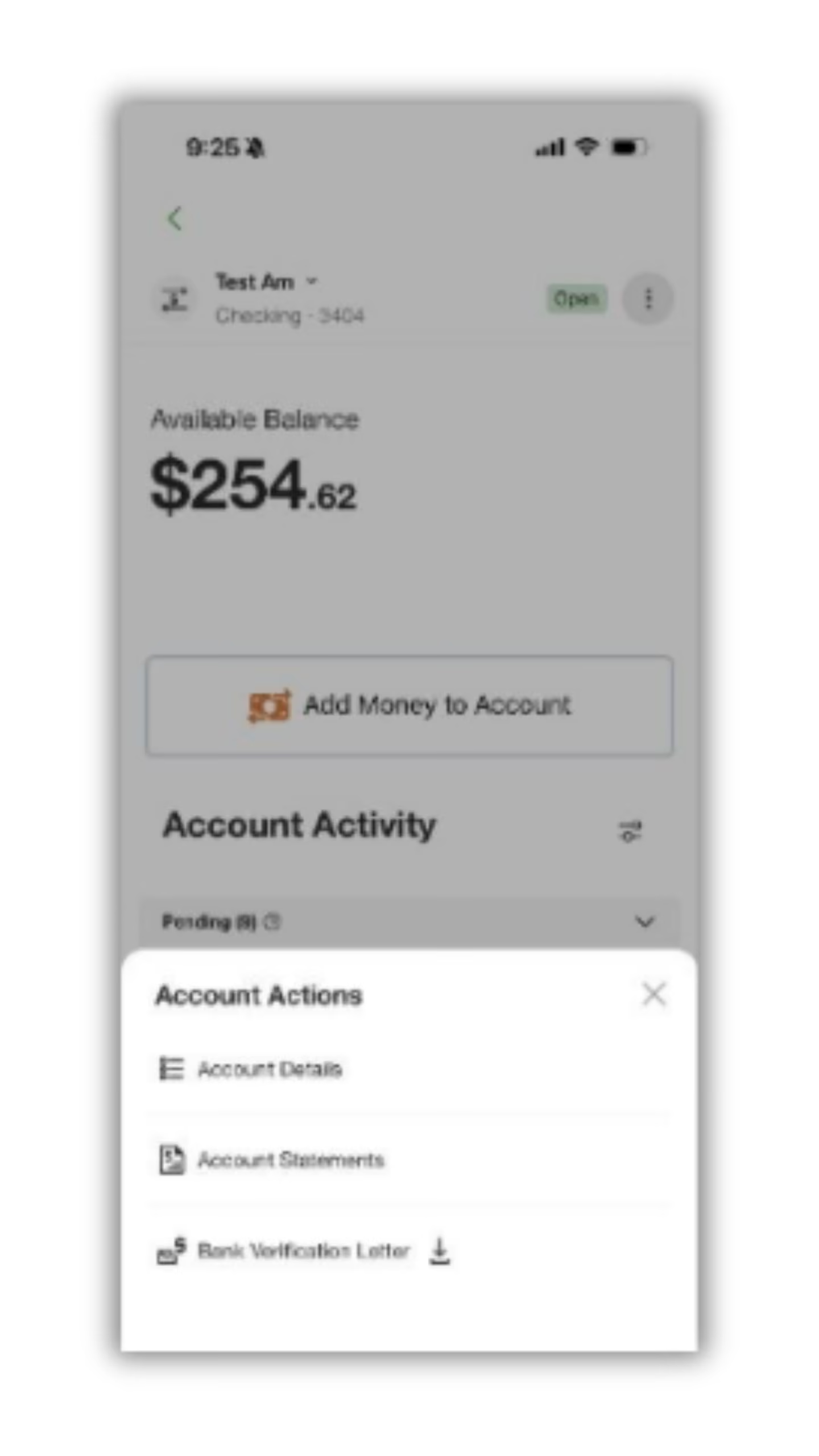
3. Select What Type of Information You’d Like to Access
- Select Bank Statements for month-by-month statements
- Select Account Information for account and routing info
- Select Bank verification letter if you need a voided check or direct deposit form
Thank you for choosing OTR Clutch.
Still need help? Email us at support@otrclutch.com.
